
Adding sales staff
Add the people who ring up sales, and give each one a POS code.
Sales staff are the people who use your registers. Each one gets their own POS code, which they enter at the register so every sale is recorded against the right person.
Before you start
You need the HR → Create/Update Sales Staff security right. If Sales Staff doesn't appear in your menu, ask your system administrator to add that right to your access group.
Add a sales person
- Go to Register → Sales Staff.
- Select New Sales Person.
- Enter their details and select Save.
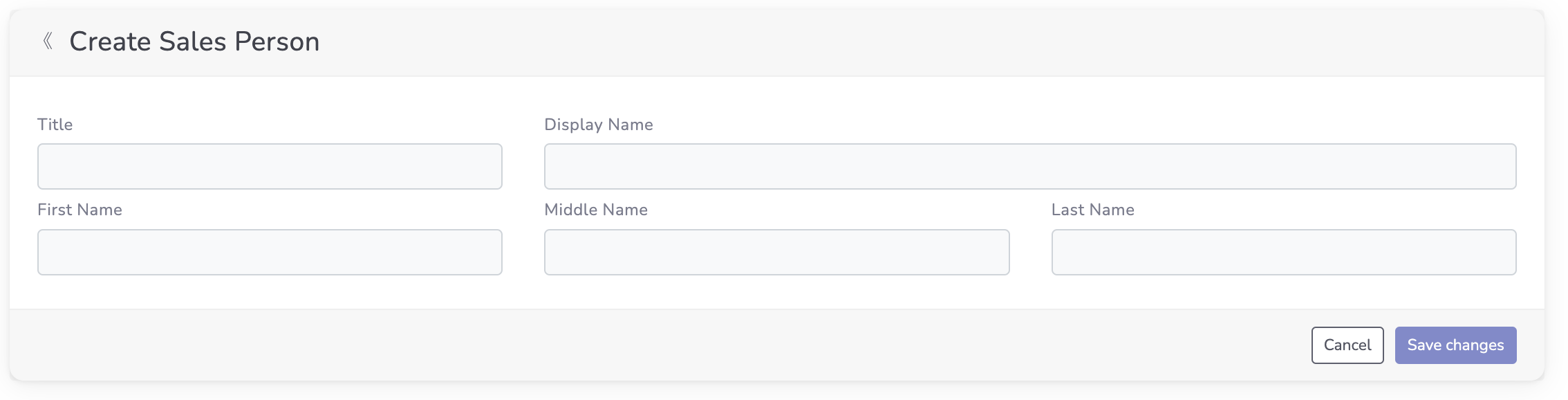
Smooth POS gives them a unique POS code, so they're ready to start making sales.
Find and update staff
On the Sales Staff screen, search for a name or pick someone from the list to view or update their details.
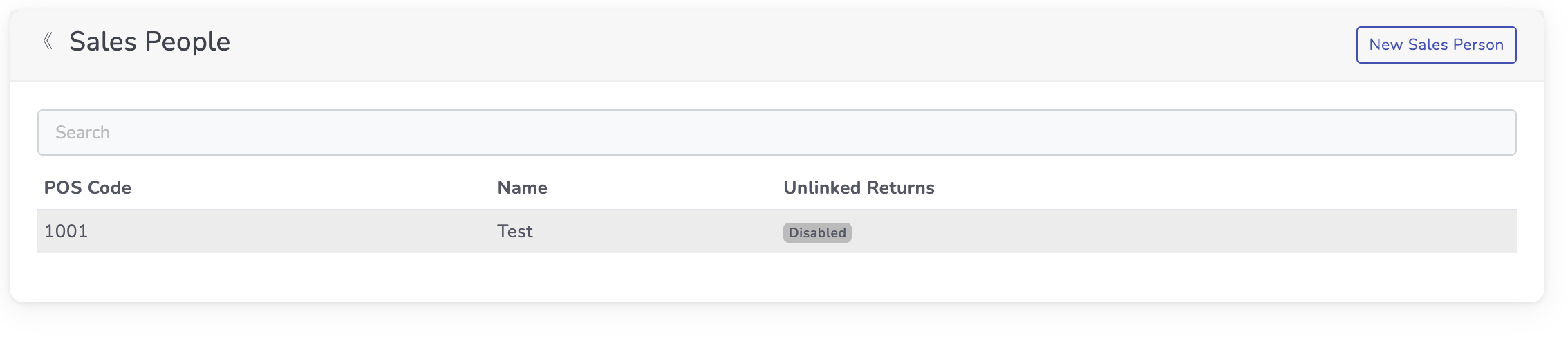
Working with the API?Sales staff appear in the API as POS staff. Use List POS staff to read them, along with their
pos_codeanddisplay_name.
Updated 26 days ago
Did this page help you?