
Glue step guides
Every Glue step type, with its fields, behaviour and worked examples.
Every Glue job is a list of steps. These guides cover each step type in turn: what it does, every field in the step editor (with its data name for the API), how it behaves on retries, and worked examples you can copy.
New to Glue? Start with Creating Glue integrations, which explains triggers, variables, Liquid templates, retries and limits.
Call other systems
| Step | type | Use it to |
|---|---|---|
| API Request | api | Call the Smooth POS API as your company. |
| REST Request | rest | Call any other HTTP API. |
| Shopify GraphQL | shopify_graphql | Run a query or mutation on your connected Shopify store. |
| Fetch all pages | a switch on api and shopify_graphql | Read every page of a list in one step. |
email | Send an email. | |
| Send Notification | notify | Post to Slack or Microsoft Teams. |
| File | file | Write or fetch CSV and JSON files, in cloud storage or over FTP, FTPS and SFTP. |
Work with data
| Step | type | Use it to |
|---|---|---|
| Script | script | Run JavaScript to read and shape your data. |
| Transform Data | transform | Filter, map, sort and group a list without a script. |
| Header | header | Read a header from the webhook request that started the job. |
| Cache | cache | Remember values between runs and share them between jobs. |
| Signature | signature | Sign a message, or check a webhook's signature. |
Control the flow
| Step | type | Use it to |
|---|---|---|
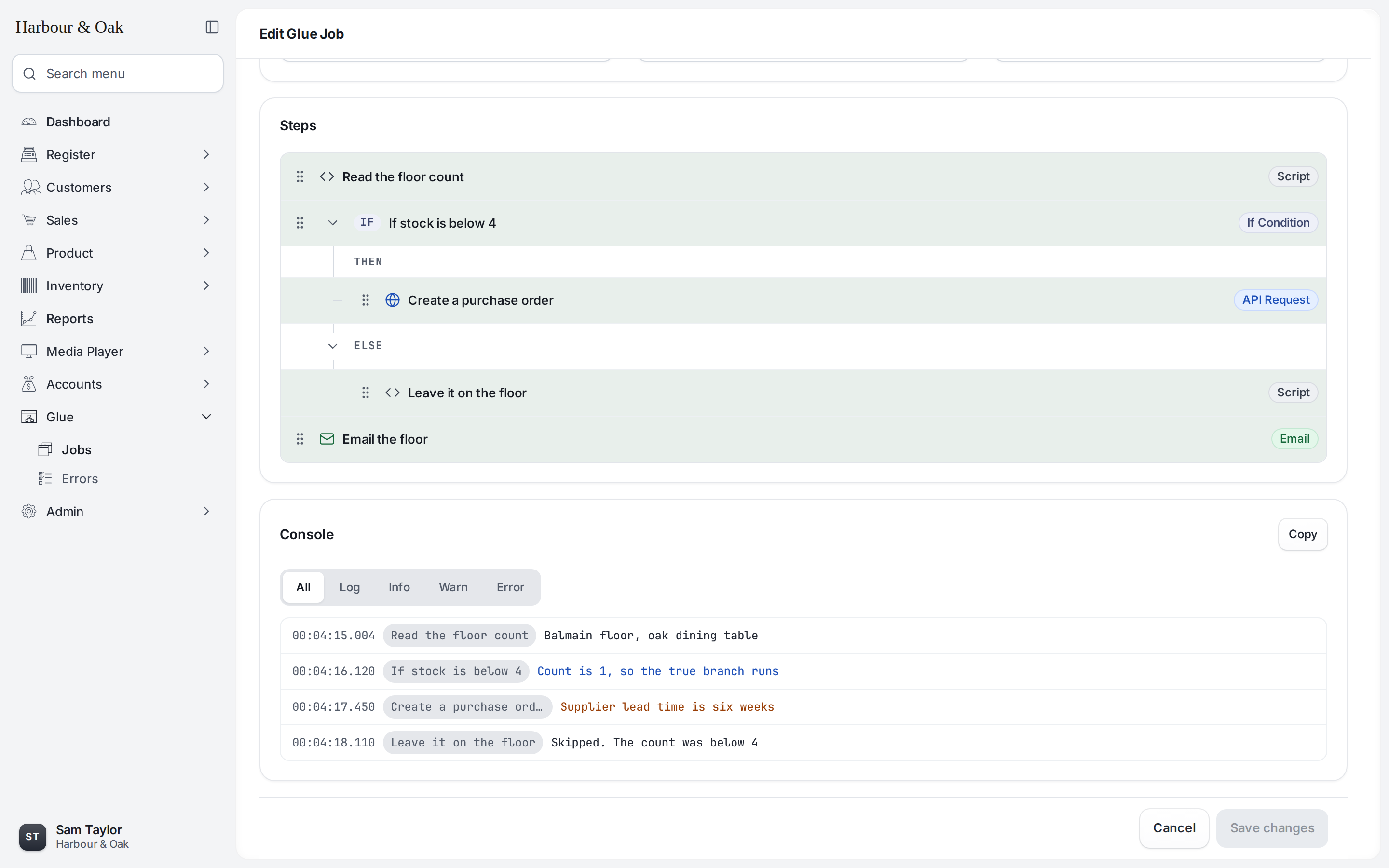
| If Condition | if | Run steps only when a condition is true, with an optional else branch. |
| Loop | foreach | Run steps once for each item in a list. |
| Stop Job | stop | End the run early, as a success or an error. |
| Lock | lock | Stop two runs from doing the same work at once. |
| Wait | sleep | Pause for up to 60 seconds. |
| Schedule Later | delay | Run the rest of the job, or another job, up to 30 days later. |
| Run Job | run_job | Start another Glue job, and optionally wait for its result. |
Things every step has in common
- A Name and an Enabled switch. A disabled step is skipped, along with everything nested under it.
- Two ways to use variables. Script steps and If Conditions use
$.name. Every other field uses Liquid:{{ name }}. - A Response variable on most steps, which saves the step's result for later steps.
- Retries pick up where they can. When a job is retried, top-level steps that change things outside Glue (API Request, REST Request, Shopify GraphQL, Email, Send Notification, Schedule Later, Run Job, and File writes) are skipped if they already worked. Steps inside an If Condition, Loop or Lock run again. See Order your steps so retries are safe.
- Tests run for real, with a few exceptions: when you select Run in the job editor, Schedule Later and an Async Run Job only log what they would do.
Updated about 23 hours ago
Did this page help you?